Approach 1
Build a 3D campus
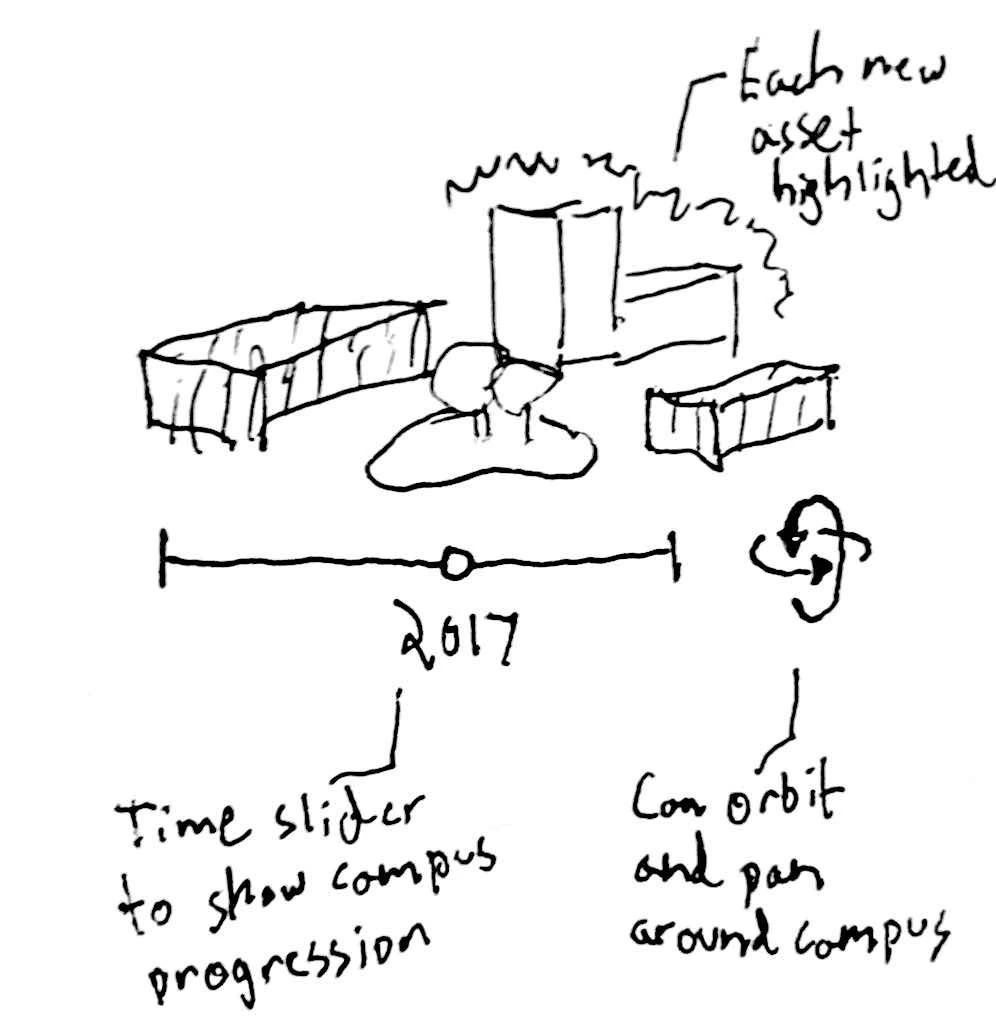
A model would let visitors orbit the campus and move through time. It also required a model, a custom viewer and additional integration work. The technical load was too large for this project.
A campus history reconstructed from one photograph.
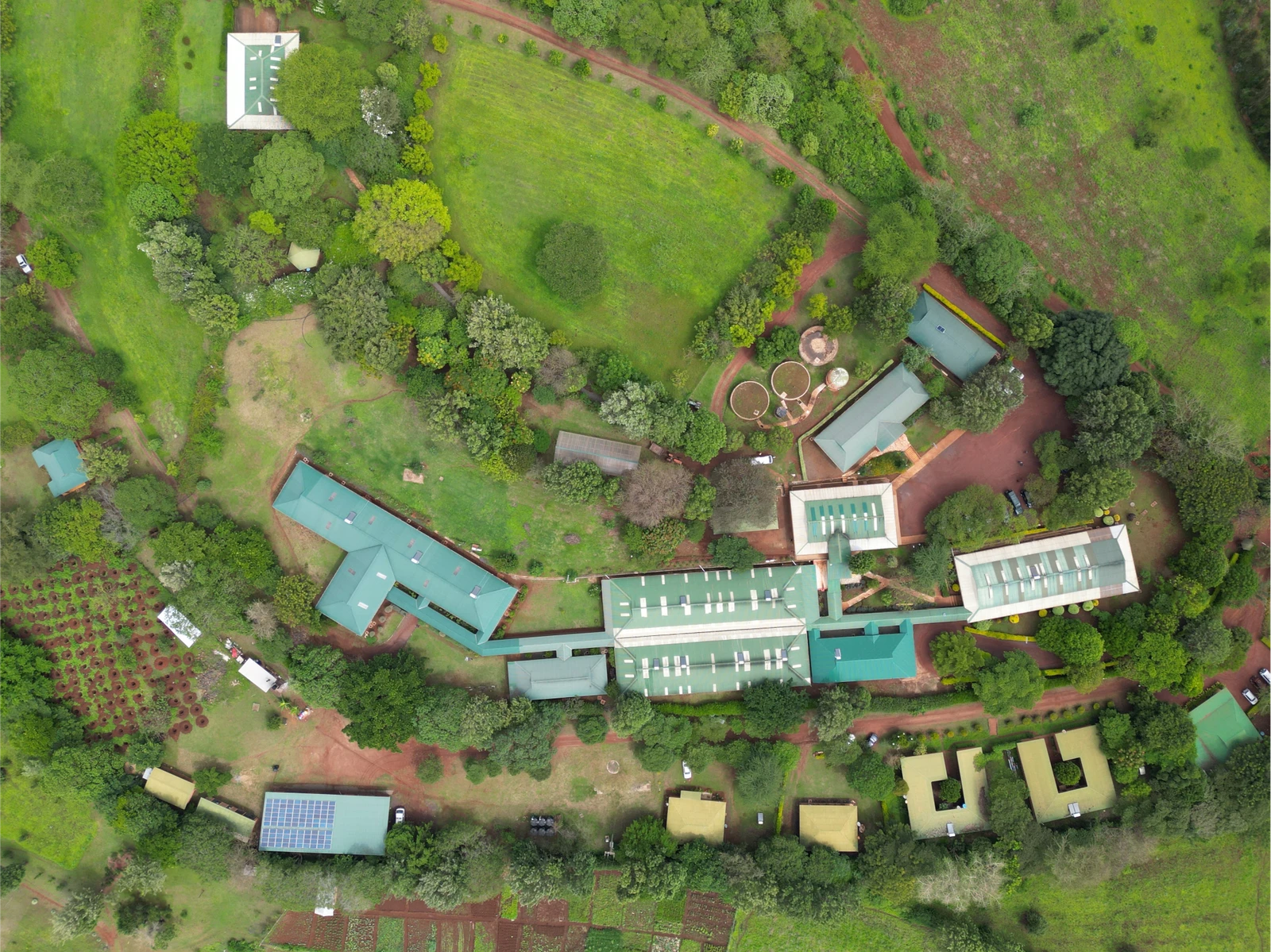
Client-provided The complete campus at the end of the delivered timeline. Explore the earlier states to see how its buildings and services developed.
Illustrated reconstruction from a single drone photograph. Captions reflect the original project materials.
My work covered the concept studies, interaction design, Photoshop reconstruction, Figma highlighting and Squarespace implementation. FAME provided the aerial photograph and informed the facility dates. This portfolio explorer presents the delivered gallery's 21 states with an added scrubber.
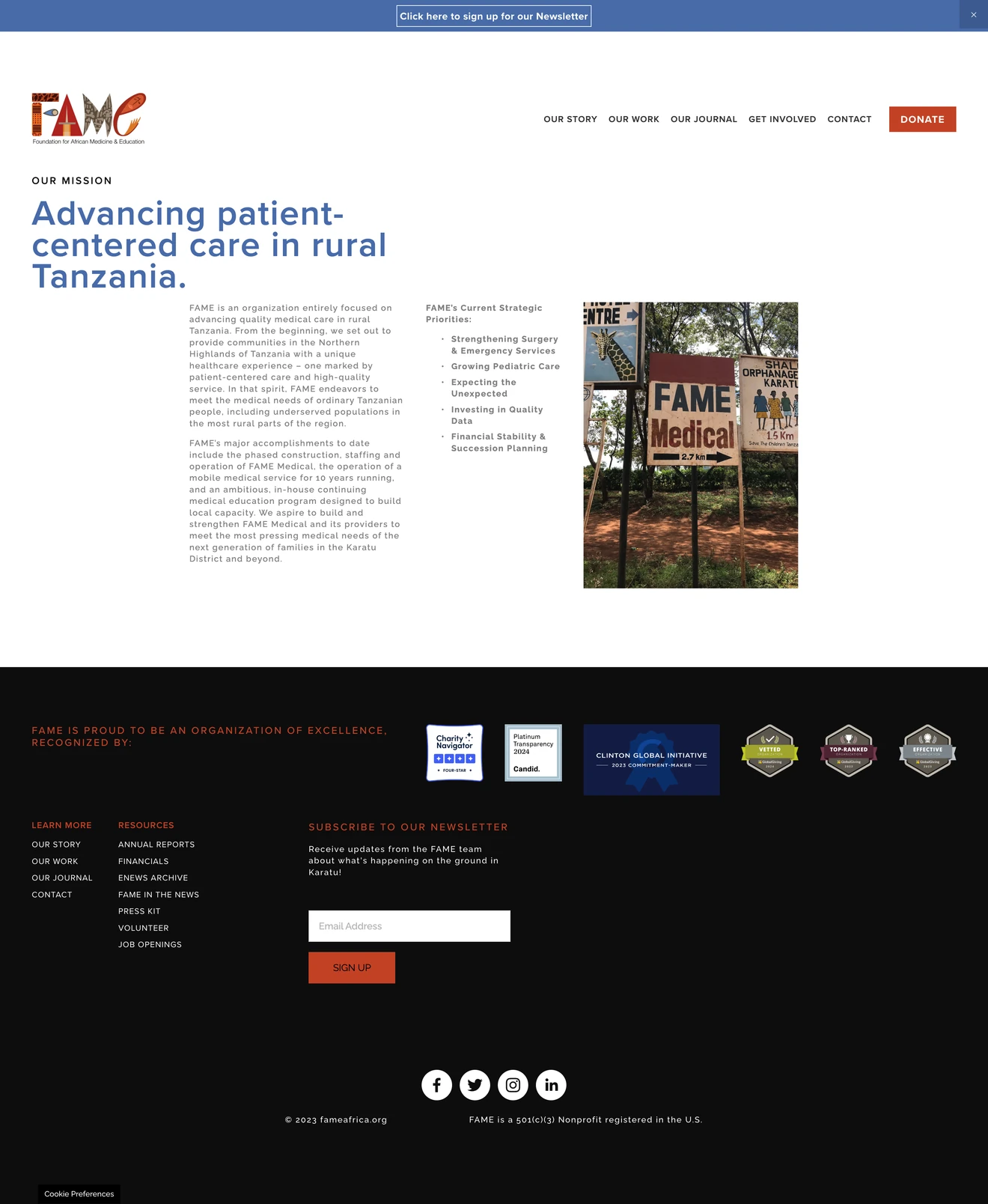
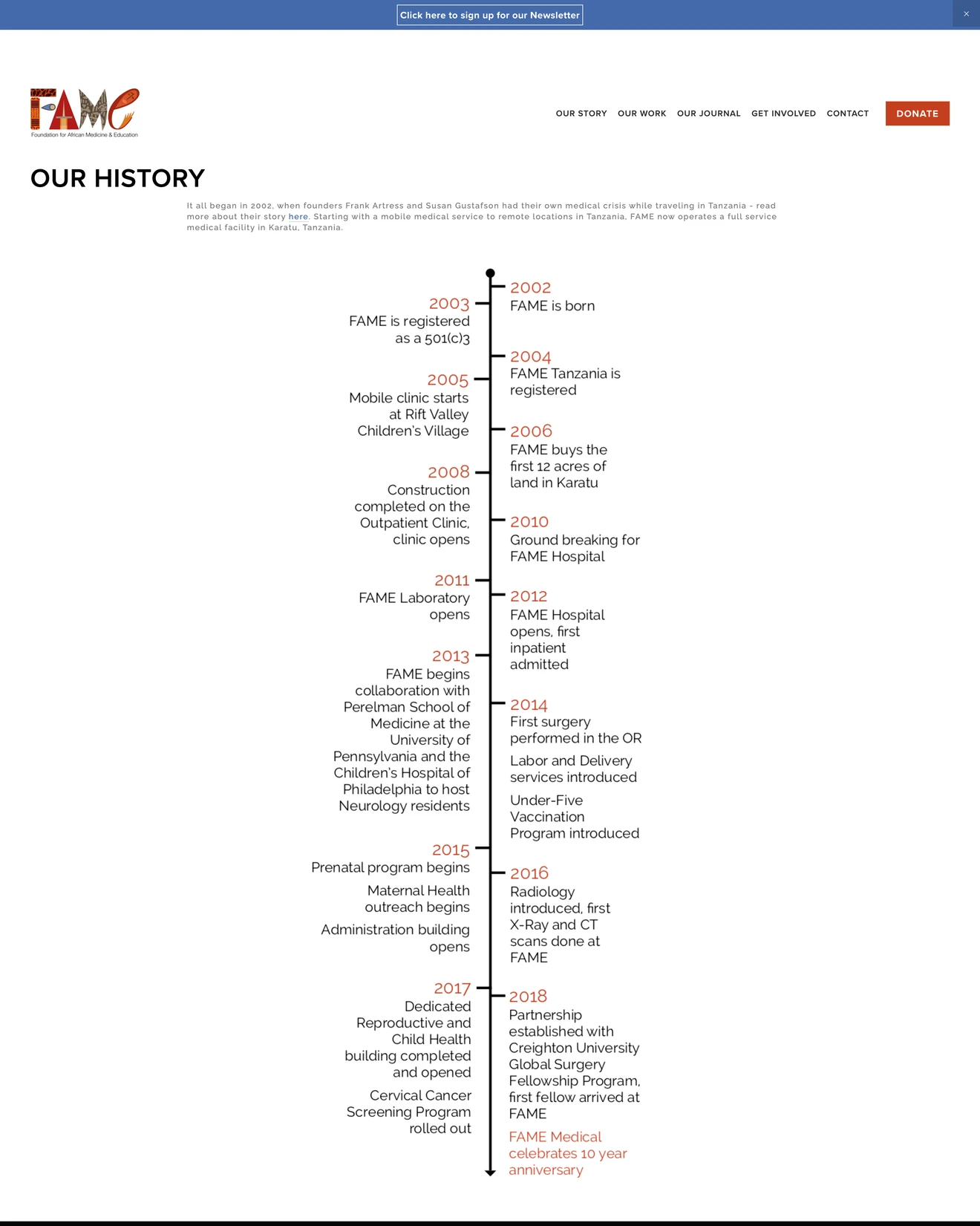
FAME, the Foundation for African Medicine and Education, wanted a more visual way to tell the story of its medical campus in northern Tanzania. Its website already explained the organization's mission and history. Photographs brought readers close to the work, and a timeline organized milestones by year.
What was missing was a consistent view of the campus itself. A reader could learn when a facility opened without seeing where it sat, what surrounded it, or how one addition changed the whole place. The opportunity was to connect that chronology to a single visual reference.
I sketched three approaches before choosing the production method. Each could connect place and time, but each asked for a different kind of source material and a different level of integration with FAME's Squarespace site.
Approach 1
A model would let visitors orbit the campus and move through time. It also required a model, a custom viewer and additional integration work. The technical load was too large for this project.
Approach 2
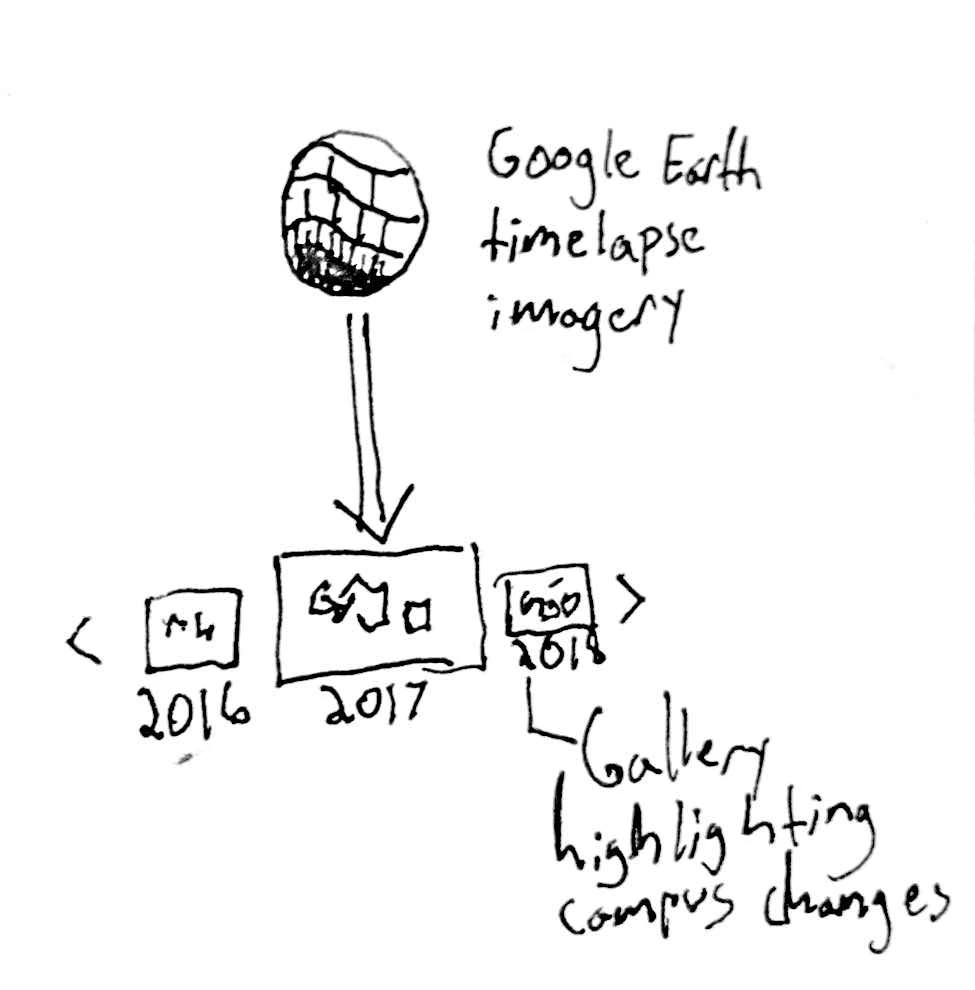
Historical imagery could supply real views from different years. But the available resolution and dates did not give me the building-by-building sequence the story needed.
Approach 3 · Selected
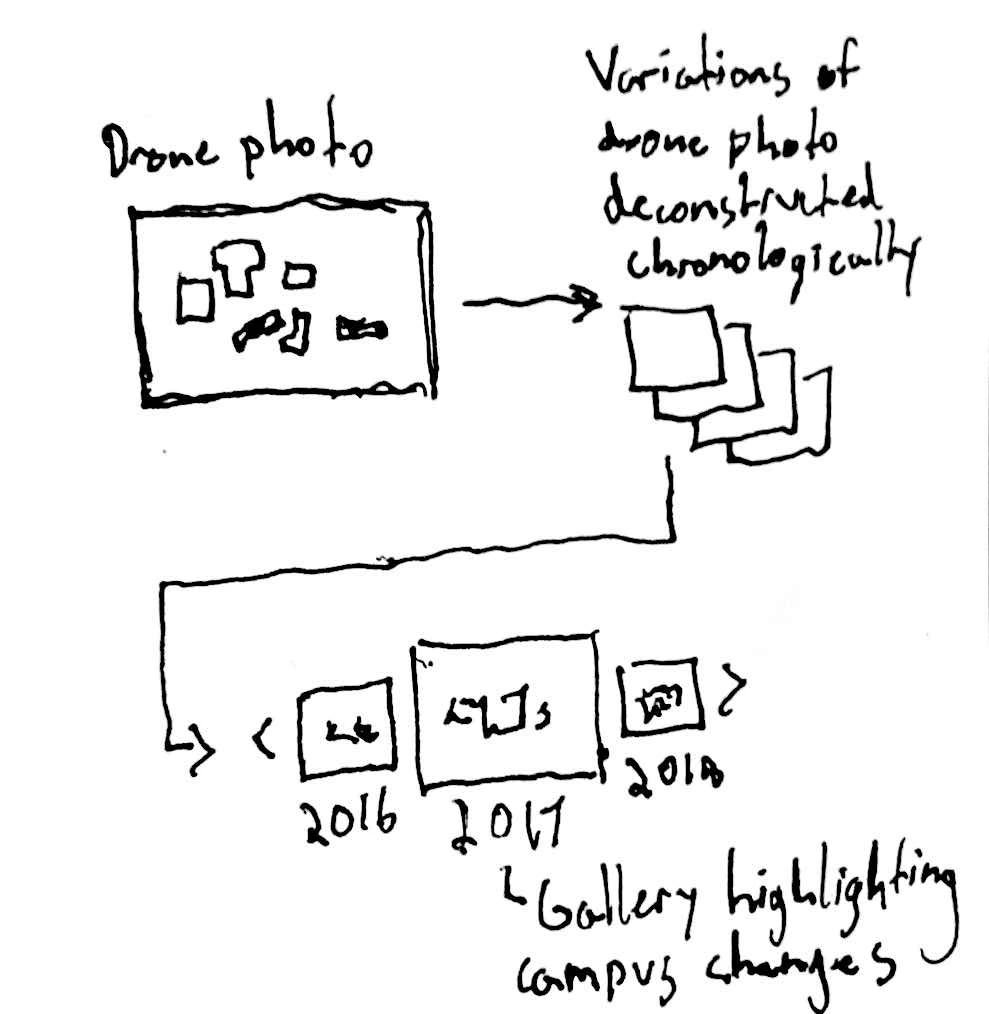
The client's detailed aerial photograph offered one stable viewpoint. If I could remove later buildings convincingly, a sequence of edited images could fit into a standard Squarespace gallery.
The photo approach depended on a practical question: could I remove a building while keeping the surrounding landscape visually continuous? I tested Photoshop's Generative Fill on one area of the photograph before committing to the full sequence.
The four steps below are cropped directly from my original experiment. They show the photograph, the lasso selection, the exact prompt and the resulting replacement.
Original experiment
Step 1 of 4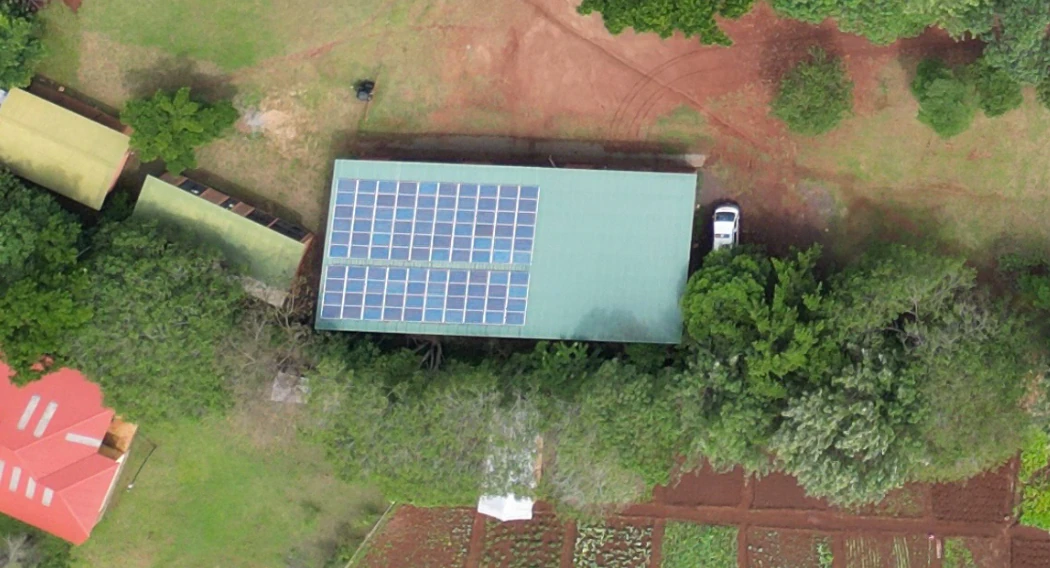
The aerial photograph provides a clear test area: a building, its immediate surroundings and enough nearby landscape to judge the result.
HistoricalExact crops from the Photoshop test. Open selected panel · Inspect the complete process image
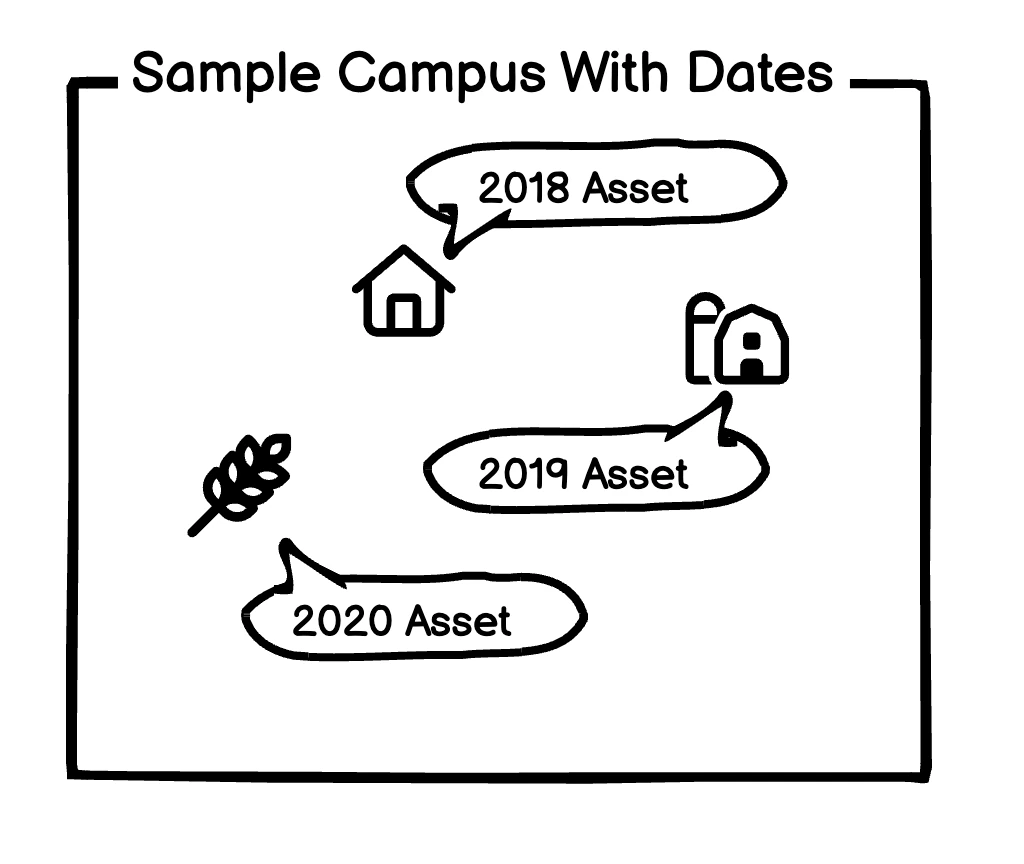
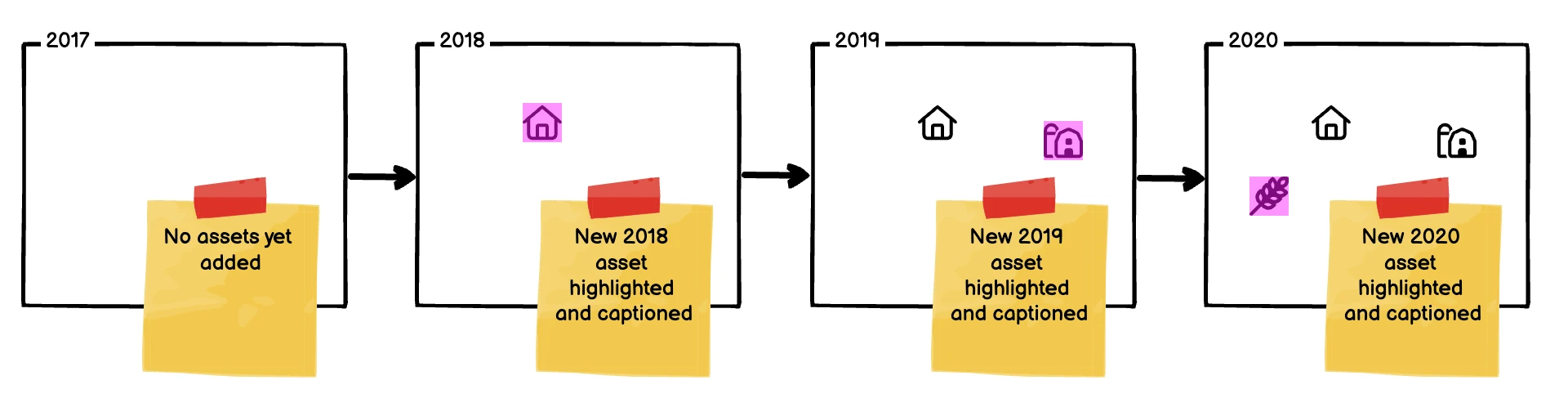
With the editing method validated, I worked out how a reader would move through the story. I began with a small sample campus, giving each asset a date and translating it into a sequence of frames.
The rule was simple: keep the viewpoint stable, highlight the newest addition, and explain it with a caption. Everything built earlier stays visible as context.
A year could contain more than one meaningful addition. Those buildings needed separate steps and captions, even when the year stayed the same.
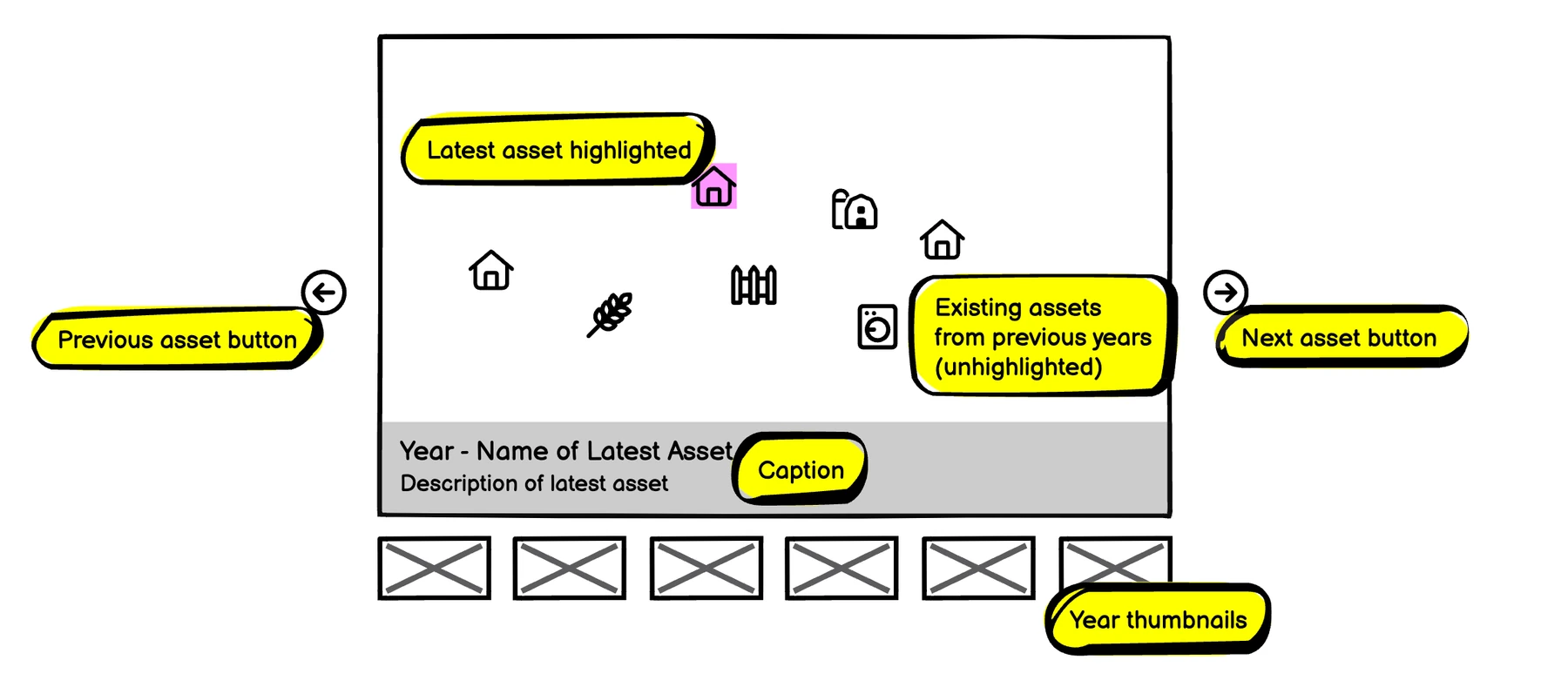
The final wireframe translated that sequence into a Squarespace carousel: a large image, a caption, previous and next controls, and a row of thumbnails. It gave the client a format that belonged within the existing website.
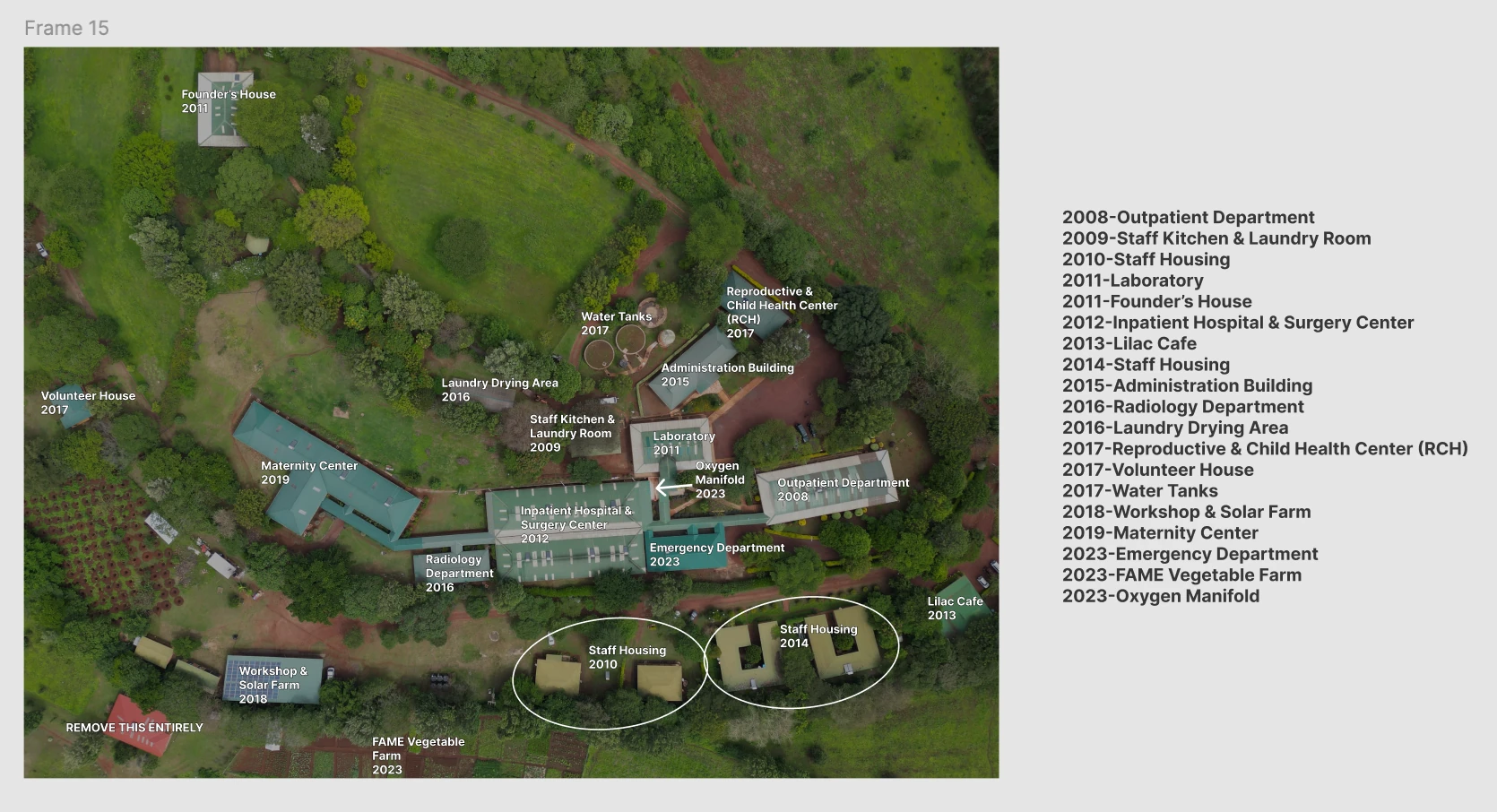
I worked with FAME to identify the campus facilities and the years they were completed. I mapped that information onto the supplied photograph, creating a visual reference for which buildings belonged in each state.
This was the bridge between the client's knowledge of the campus and the image work. The source map kept the sequence tied to identified facilities rather than to assumptions made from their appearance.
I edited the photograph backward through the construction sequence, replacing removed buildings with surrounding landscape. The final set contains 21 states, including the site before the first campus buildings and the complete campus.
Keeping one camera view made the changes easier to compare. It also made continuity part of the editing work: the ground, paths and surrounding vegetation needed to read as the same place as the built campus changed.

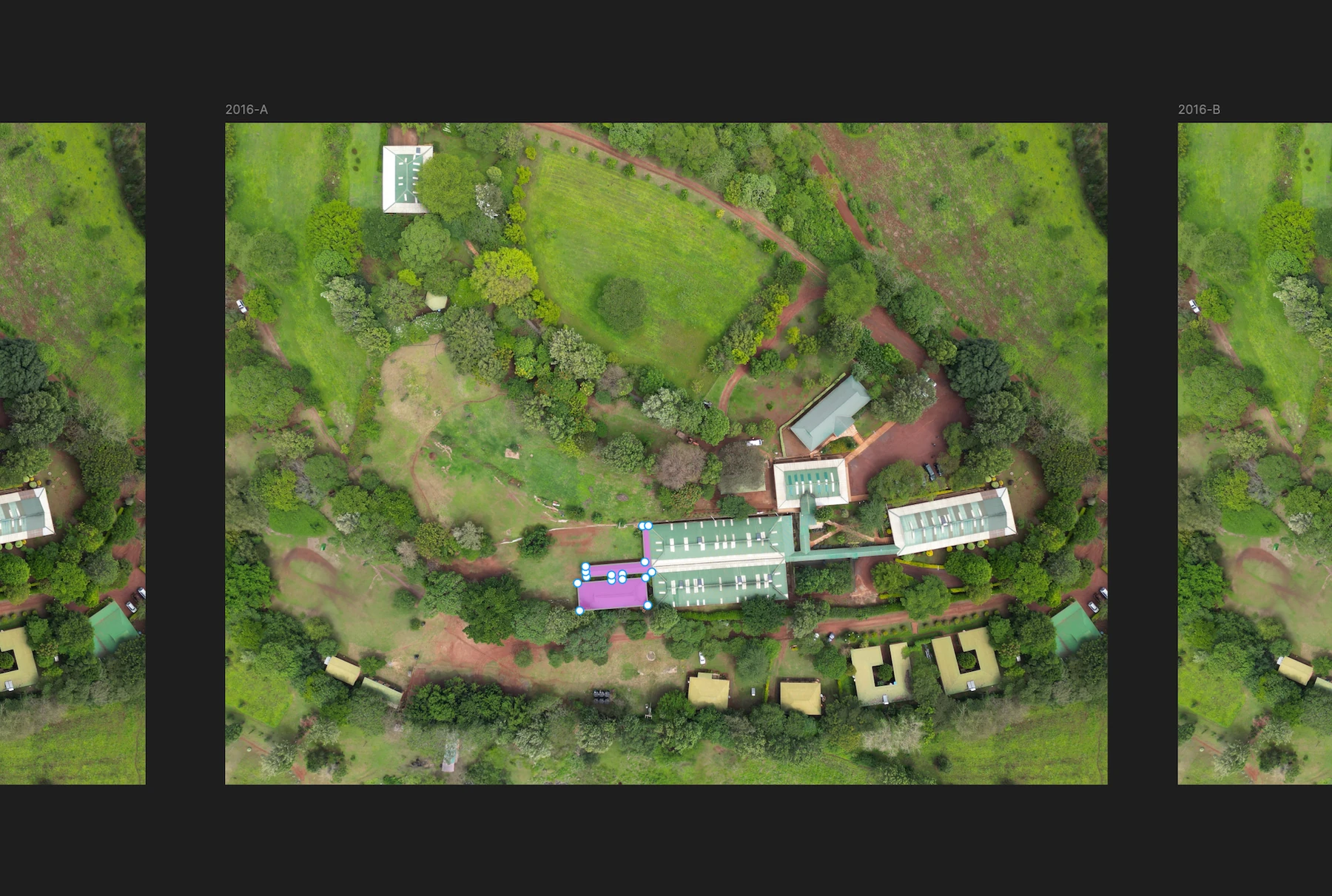
Once the chronological images were ready, I used Figma to trace and highlight the new asset in each frame. That highlight directs attention to the change; the caption explains the facility's role.
The completed campus also needed a quiet starting state. An unhighlighted final image gives visitors a view of the whole place before they begin moving backward through its history.
I assembled the images and captions in Squarespace. The delivered gallery brought the original interaction plan into the existing site: visitors could move between individual additions, keep the surrounding campus in view and read the story of each facility.
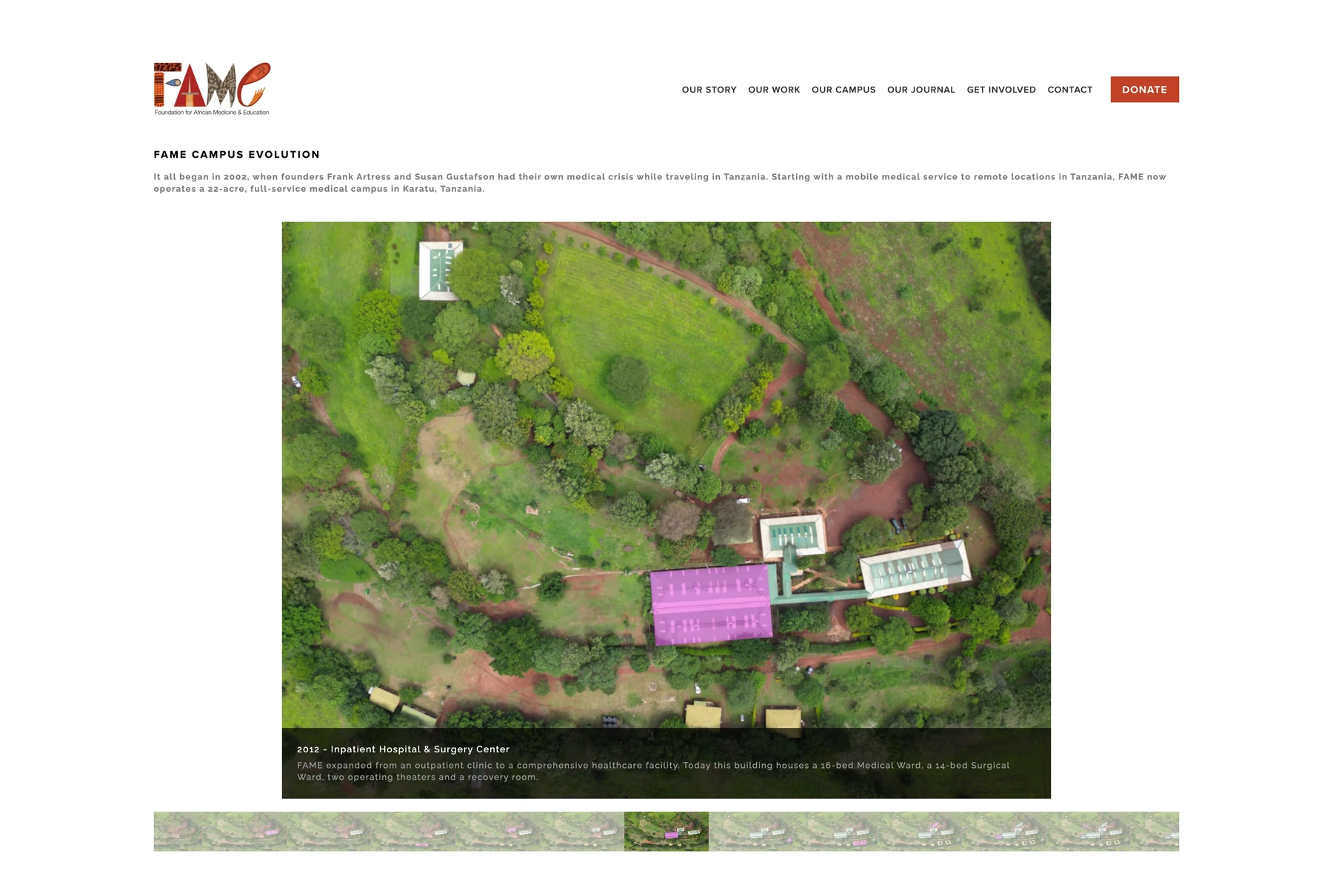
The key decision was choosing a format that matched the available material and the client's website. One photograph supplied continuity. The date map supplied order. Highlights and captions helped each addition tell its part of the story.
The method has a clear limit: these earlier views are illustrated reconstructions. Some landscaping remains from the original photograph, and generated terrain does not establish historical conditions. New construction also requires another round of image work. The timeline makes campus growth visible while keeping those limits explicit.